
Repository doc ·
gemini/agents/genai-experience-concierge/langgraph-demo/frontend/README.md· Open on GitHub · Part of Gemini Notebooks
Concierge Streamlit Demo
Introduction
This Streamlit application provides a user-friendly interface to interact with a suite of LangGraph agents, each designed to handle specific tasks or demonstrate different agentic design patterns. The backend server, which hosts these agents, adheres to the LangGraph Cloud API, enabling seamless communication using the langgraph_sdk.RemoteGraph client.
This frontend offers a convenient way to test, demo, and explore the capabilities of LangGraph agents in a chat interface.
Getting Started
Environment Setup
Clone the repository and ensure that the Google Application Default Credentials are configured. You can do this by running the following commands:
# Clone repository and navigate to project root directory
git clone https://github.com/GoogleCloudPlatform/generative-ai.git
cd generative-ai/gemini/agents/genai-experience-concierge

# Set up Google Application Default Credentials
gcloud auth login
gcloud auth application-default login
Ensure you have access to a running backend server hosting LangGraph agents. See the quickstart demo instructions for a quick setup of the backend server.
By default, the Streamlit app will point to http://localhost:3000 as the base URL for each agent as this is the default backend server config. You can modify this to any local or remote server using pydantic-settings configuration through environment variables or the command line using (see setting options).
Running the Application
To start the frontend server, navigate to langgraph-demo/frontend and run:
uv run --frozen streamlit run concierge_ui/server.py \
  --server.port 8080 \
  --server.runOnSave true
This will launch the Streamlit interface in your web browser.
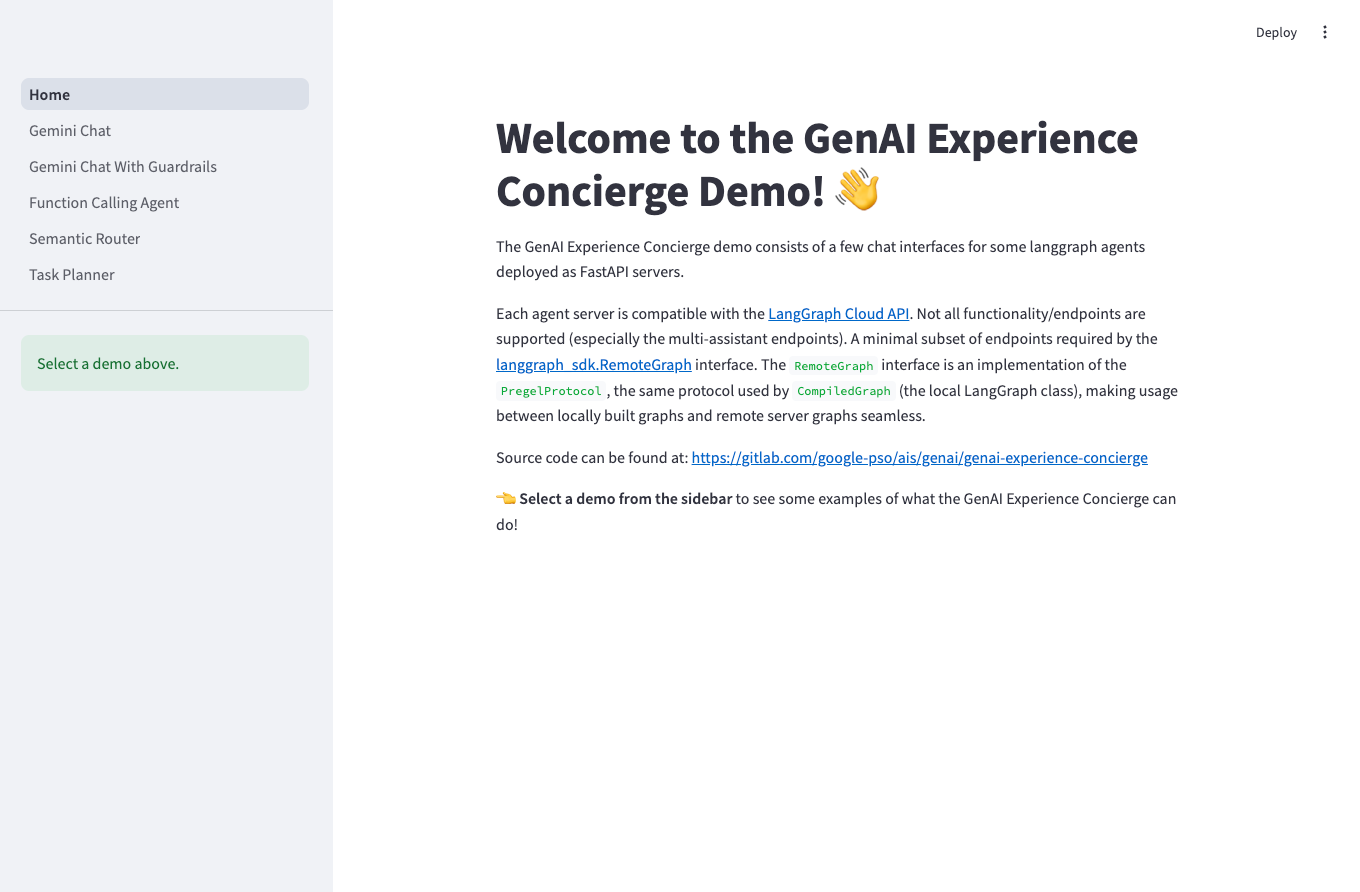
Key Features
- Chat Interface: Engage with agents through a familiar and intuitive chat interface.
- Streamed Responses: Utilizes LangGraph streaming capabilities to reduce time to first token.
- Gemini Chat: streams response text generated by Gemini
- Gemini Chat with Guardrails: streams guardrail classifications and response text
- Function Calling: streams function calls, function responses, and response text
- Semantic Router: streams routing decision and response text
- Task Planner: streams generated plans, executed tasks, plan reflection, and response text
- Session Management: Start new sessions and maintain persistent conversation history.
- Authentication: Supports authentication to secure communication with the backend server.
Code Structure
The Streamlit demo code is located at concierge_ui and is composed of:
server.py: The entrypoint of the Streamlit application, setting up navigation.home.py: The main page of the Streamlit application, providing an overview.agents/*.py: Individual LangGraph agent handlers for streaming chat responses.demo_page.py: A utility module for building the common layout and functionality of the agent demo pages.remote_settings.py: Configuration settings for the Streamlit application, including backend server URLs.auth.py: Handles authentication with the backend server. It supports fetching Google Auth ID tokens from the GCE Metadata server or impersonating a service account to retrieve ID tokens.